
Add OTP Verification to an AI Agent with MCP
Point any MCP client at the otp.com server and your AI agent can send, verify, resend, and check one-time passwords using only your API key.
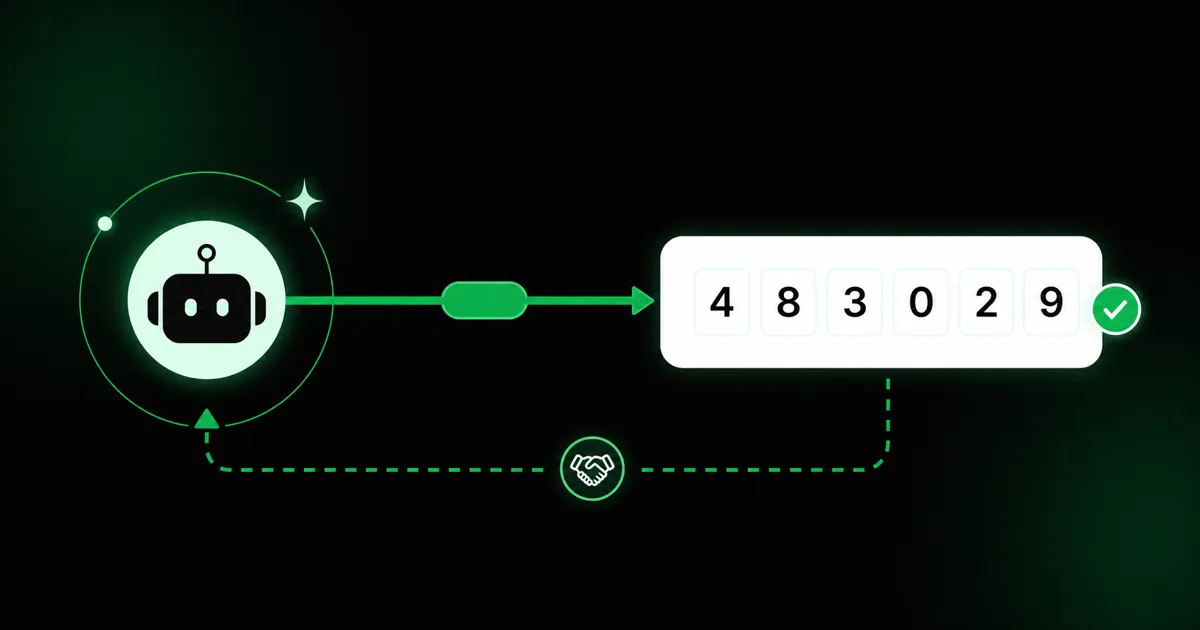
Verification is the kind of code nobody wants to own: send a code, wait, check what the user typed, fall back a channel if it fails. It’s glue, and someone has to write and maintain it.
An AI agent can do that wiring for you. The otp.com MCP server exposes verification as agent tools over the Model Context Protocol, so an assistant in Claude Desktop, Claude Code, Cursor, or your own app can run the whole flow from a single prompt.
No backend, one credential
The server is a thin, self-contained client of the same public OTP API. There’s nothing to deploy and no secret baked into source: you pass your API key at runtime through an environment variable, and that key is the only credential.
Setup
- Create an API key in the panel under API Keys. An
otp_live_…key sends for real; anotp_test_…key runs in the sandbox. - Point your MCP client at the server:
{
  "mcpServers": {
    "otp": {
      "command": "npx",
      "args": ["-y", "@otp.com/mcp"],
      "env": { "OTP_API_KEY": "otp_live_your_key_here" }
    }
  }
}
The client launches the server with npx; there’s nothing to install globally. One optional env
var, OTP_API_BASE_URL, overrides the default https://api.otp.com/api/v1 when you want to point
the agent at staging or a self-hosted environment.
The tools
One tool per API action:
| Tool | Does | Input |
|---|---|---|
send_otp | Send a code (routing picks the channel) | recipient, locale? |
verify_otp | Verify what the user entered | otp_id, code |
resend_otp | Resend on the next channel | otp_id |
get_otp_status | Check an OTP’s status | otp_id |
Same rule as the REST API: the code is never returned. The agent verifies against the otp_id from
send_otp, so a leaked transcript never leaks a usable code.
Start in the sandbox
Before you wire a live key into an agent that can act on its own, use a test key. With an
otp_test_… key nothing is sent and nothing is charged, and the accepted code is always 123456.
That means you can rehearse the entire conversation, including the fallback and error branches,
without touching a real phone or your balance. Once the flow behaves, swap in the otp_live_… key.
What a run looks like
With the tools in place, the agent orchestrates the state machine on its own. A typical exchange:
- The agent calls
send_otpwith the user’s number and gets back anotp_idand thechannelrouting chose (say,sms). - It asks the user for the code and calls
verify_otpwith theotp_idand what they typed. - If the user says nothing arrived, the agent calls
resend_otp, which advances to the next channel rather than resending the same SMS. If that next channel is a code channel (Telegram, email), it asks for the new code and verifies again. If it is WhatsApp, the response carries anaction_url(awa.melink) that the agent surfaces so the user opens it, receives the code over chat, and reads it back forverify_otp, exactly as on the other channels. If it calls resend too soon it gets a429cooldown and simply waits; if the chain is exhausted it gets a409and tells the user to try another method. - It can call
get_otp_statusat any point to see whether the OTP ispending,approved,failed, orexpired, and narrate the right next step.
“Verify this user before checkout” becomes a prompt, not a sprint. There is no integration branch to write, because the branching lives in the agent’s reasoning over four small tools.
Keep the key where it belongs
The API key is a real credential: an otp_live_… key sends real messages against your balance.
Treat the MCP config the way you treat any secret. Keep it in the client’s environment, not in a
shared repo or a prompt, and prefer a test key for anything you are still iterating on. Because the
server holds the key and the code is never returned, the agent can drive verification without ever
seeing a secret it could leak.
When to reach for MCP
MCP is the fastest path when an assistant is already in the loop: an AI-built product, an internal agent that onboards users, or a prototype you want working in one prompt. For a fixed server-to-server backend where no agent is involved, the official SDKs or the raw REST endpoints are the better fit; they cover the same four actions with less moving machinery. Pick MCP when the agent is the integration, and the SDK when your own code is.
Prefer to call the API yourself? The REST reference and the official SDKs cover the same four actions.