
REST, SDK, or MCP: Choosing Your OTP Integration
Three ways to call the same OTP API: the raw REST endpoints, a generated SDK, or the MCP server for AI agents, and when each one is the right fit.
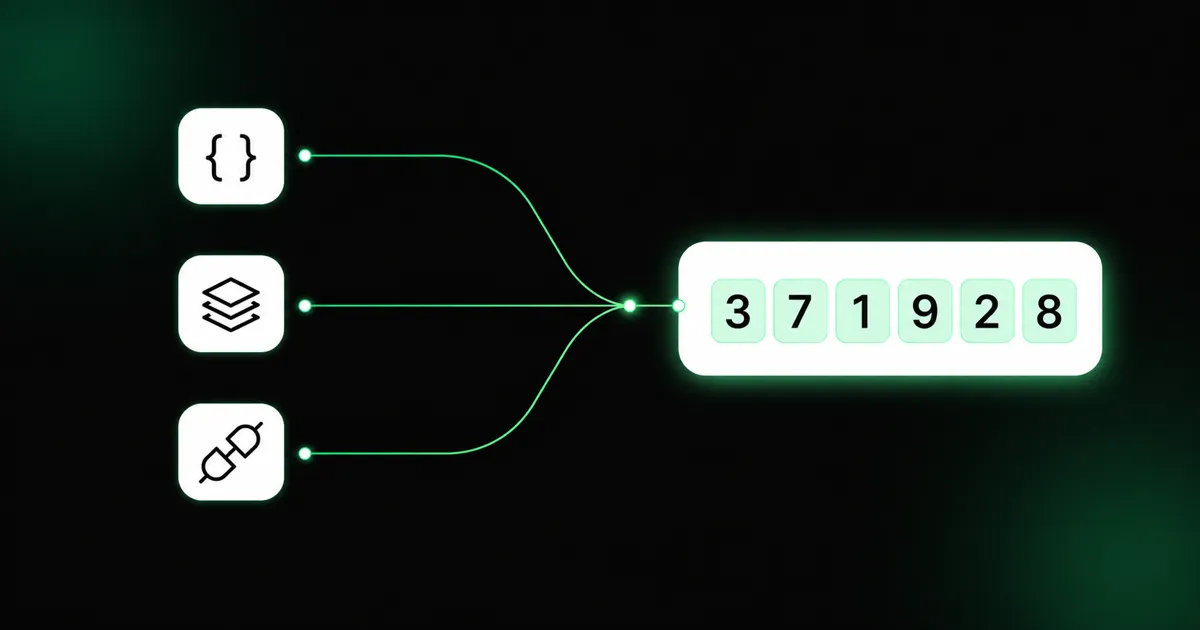
Every otp.com integration calls the same API and the same four actions, send, verify, resend,
and status. What changes is how you call them. There are three front doors, and the right one
depends on your language, your dependency budget, and whether a human or an agent is writing the
code.
The REST API: works everywhere
The endpoints under https://api.otp.com/api/v1 are the ground truth. Any language that can make an
HTTPS request can use them: send your API key as a Bearer token and handle the JSON yourself.
curl -X POST https://api.otp.com/api/v1/otp/send \
  -H "Authorization: Bearer otp_live_•••" \
  -H "Content-Type: application/json" \
  -d '{"recipient":"+14155552671","locale":"en"}'
# -> { "otp_id": "9f3c1b2a-…", "status": "pending", "channel": "sms" }
Reach for REST when:
- there’s no SDK for your language, or you don’t want the dependency,
- you’re on the edge or a constrained runtime and every kilobyte counts,
- you want the exact wire contract with nothing in between.
The cost is boilerplate: you own the HTTP client, retries, error parsing, and typing. Nothing shields
you from a shape change, though because the API is versioned under /api/v1, breaking changes do not
land silently.
An SDK: typed and in sync
The official SDKs for Node.js, Python, Go, and PHP wrap those same endpoints in a typed
client. They’re generated from the OpenAPI spec, so the methods (sendOtp, verifyOtp,
resendOtp, getOtpStatus) and their types track the API automatically.
import { Configuration, OTPApi } from '@otp.com/sdk-node';

const api = new OTPApi(new Configuration({ accessToken: process.env.OTP_API_KEY }));
const sent = await api.sendOtp({ sendOtpRequest: { recipient: '+14155552671', locale: 'en' } });
const result = await api.verifyOtp({ verifyOtpRequest: { otpId: sent.otpId, code: '123456' } });
// result.matched === true
Reach for an SDK when:
- your language is one of the four,
- you want type safety and autocomplete instead of hand-rolled requests,
- you’d rather not maintain your own client as the API evolves.
It’s the shortest path from npm install to a verified user in most codebases, and when the spec
adds a field, you regenerate instead of hunting through request code.
The MCP server: let an agent wire it
The MCP server exposes the four actions as tools for an AI agent. Instead of you
writing the integration, an assistant (Claude, Cursor, or your own agent) sends, verifies, resends,
and checks status straight from a prompt. You add the server to your MCP client config, give it an
OTP_API_KEY, and the flow becomes a conversation rather than a code path.
Reach for MCP when:
- you’re building the product with an AI agent in the loop,
- you want verification wired up without writing the glue yourself,
- the flow lives inside an assistant rather than a traditional backend.
The same flow, three ways
It helps to see that these are not three products, just three ways to make the same calls. “Send a code, then verify it” is:
- REST: a
POST /otp/send, then aPOST /otp/verifywith the returnedotp_id. - SDK:
api.sendOtp(...), thenapi.verifyOtp(...), with types on both. - MCP: the agent calls the
send_otptool, thenverify_otp, reasoning about the result.
Because the model is identical underneath, you can mix doors. A backend can call the SDK for its main flow while an internal agent uses MCP for support tasks, both against the same account and keys.
Same guarantees, whichever door
Whichever you pick: one API key, the same four actions, and the code is never returned, verification
always happens against the otp_id from send. The sandbox works the same way through every door
too, a otp_test_… key sends nothing, charges nothing, and accepts 123456, so you can build and
test before switching to a live key. You can start with REST, move to an SDK when your language fits,
and add MCP when an agent joins the team, without relearning the model.
| If you… | Use |
|---|---|
| Have no SDK for your language, or want zero deps | REST |
| Work in Node.js, Python, Go, or PHP | SDK |
| Are building with an AI agent | MCP |